
Understands your clip
StreamPull analyzes the footage before deciding how it should be edited.
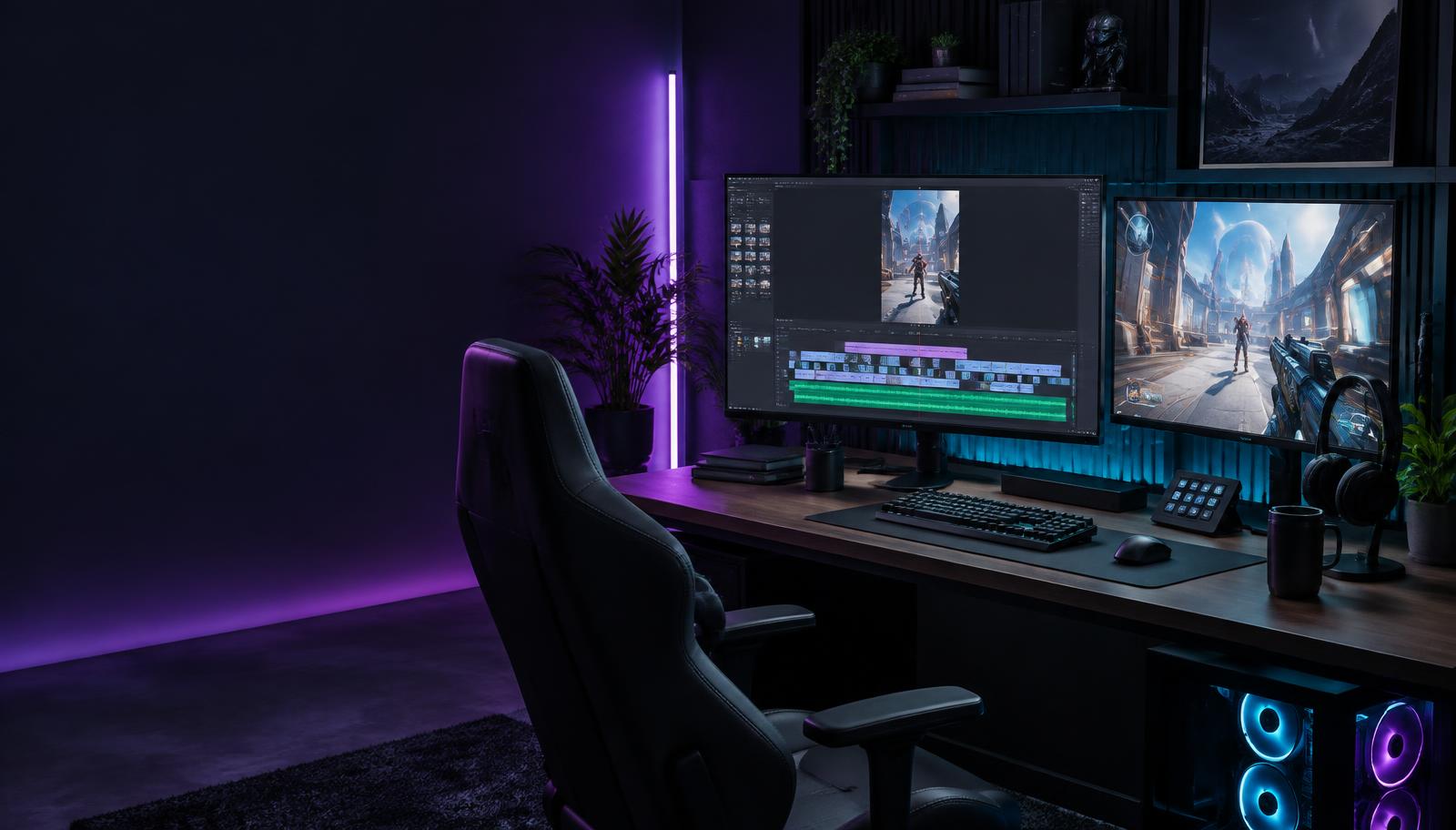
Creator-directed gaming video editing
Upload a gaming clip, tell StreamPull what you want from it, and turn your creative direction into an edited video ready to post.
The workflow
StreamPull follows the footage and your direction all the way through to a video you can use.
Upload a short gaming clip. StreamPull analyzes what happens in the footage, including important moments and timing.
Bring your own idea or generate ideas from the clip. Shape the concept, hook, tone, pacing, platform, and editing direction.
Your brief and the footage become one edit plan: purposeful cuts, pacing, reframing, speed, and requested treatments. Caption text is written as suggested copy — it isn't burned into the video.
StreamPull renders an actual video you can preview, download, or use as the starting point for another version.
Footage + direction
StreamPull combines what happens in the clip with your concept, tone, pacing, platform, and editing preferences. The result is an edit made for that video—not a disconnected list of ideas.
Same gameplay clip
Three different creative directions
“Make the elimination the punchline.”Comedy payoff
“Build suspense before the final fight.”Tension and pacing
“Keep it fast and focus on the reaction.”Reaction-led cut
Change the direction, and StreamPull can build another version without changing your original clip.
Creator control
StreamPull is designed to execute creative direction, not throw random effects at your footage. You choose the idea and preferences. StreamPull works out where they belong in the clip.
Built around the video
From understanding the footage to delivering the completed MP4, every step stays connected.
StreamPull analyzes the footage before deciding how it should be edited.
Use your own concept or generate one from the clip. The Creative Brief directs the edit.
StreamPull turns the plan into cuts, pacing, and editing decisions tied to the footage.
Preview the completed edit, download it, or create another version from the same Forge.
Start a Forge and turn your next gaming moment into a finished video.
Create a Forge